
Objectives
Objectives
This tutorial provides a walkthrough of the basics of the Kubernetes cluster orchestration system. Each module contains some background information on major Kubernetes features and concepts, and a tutorial for you to follow along.
Using the tutorials, you can learn to:
Deploy a containerized application on a cluster.
Scale the deployment.
Update the containerized application with a new software version.
Debug the containerized application.
What can Kubernetes do for you?
With modern web services, users expect applications to be available 24/7, and developers expect to deploy new versions of those applications several times a day. Containerization helps package software to serve these goals, enabling applications to be released and updated without downtime. Kubernetes helps you make sure those containerized applications run where and when you want, and helps them find the resources and tools they need to work. Kubernetes is a production-ready, open source platform designed with Google's accumulated experience in container orchestration, combined with best-of-breed ideas from the community.
Kubernetes Basics Modules

1. Create a Kubernetes cluster
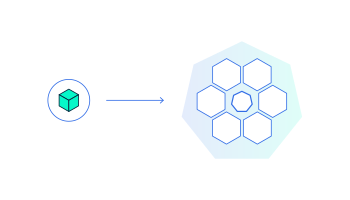
2. Deploy an app
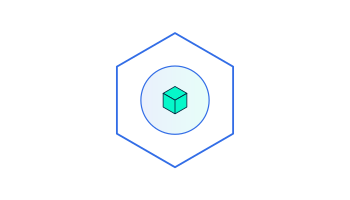
3. Explore your app
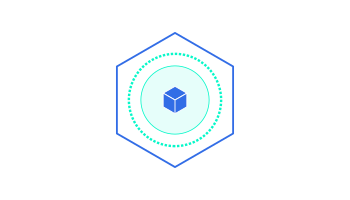
4. Expose your app publicly

5. Scale up your app
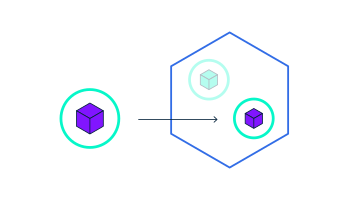
6. Update your app
What's next
Tutorial Using Minikube to Create a Cluster
Feedback
Was this page helpful?
Yes No
Last modified November 18, 2024 at 8:50 PM PST: Add images css and alert boxes (b9ee7dbcba)
Edit this page Create child page Create an issue Print entire section



![Healthy Pregnancy: How to Cope with Fear of Childbirth [2026]](/_ipx/_/images/articles/1146.webp)